To set up a shared calendar on Outlook (Classic) please follow the below steps.
- Navigate to the Calendar section of Outlook

- Click on 'Add Calendar' on the top ribbon bar.

- Choose 'From Address Book' on the dropdown options.
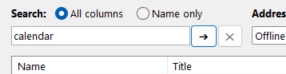
- In the window search for the "email address" of the shared calendar. If you are not sure what this is, please check with a colleague or raise a support ticket for further details.
- To confirm the calendar, click 'OK' on the window.

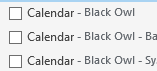
- You will now see your new calendar in the left side bar. This can be toggled on/off to suit your preference.
Last updated: January 2026
